Small group game, Big group game, Brain challenge
Kahoot
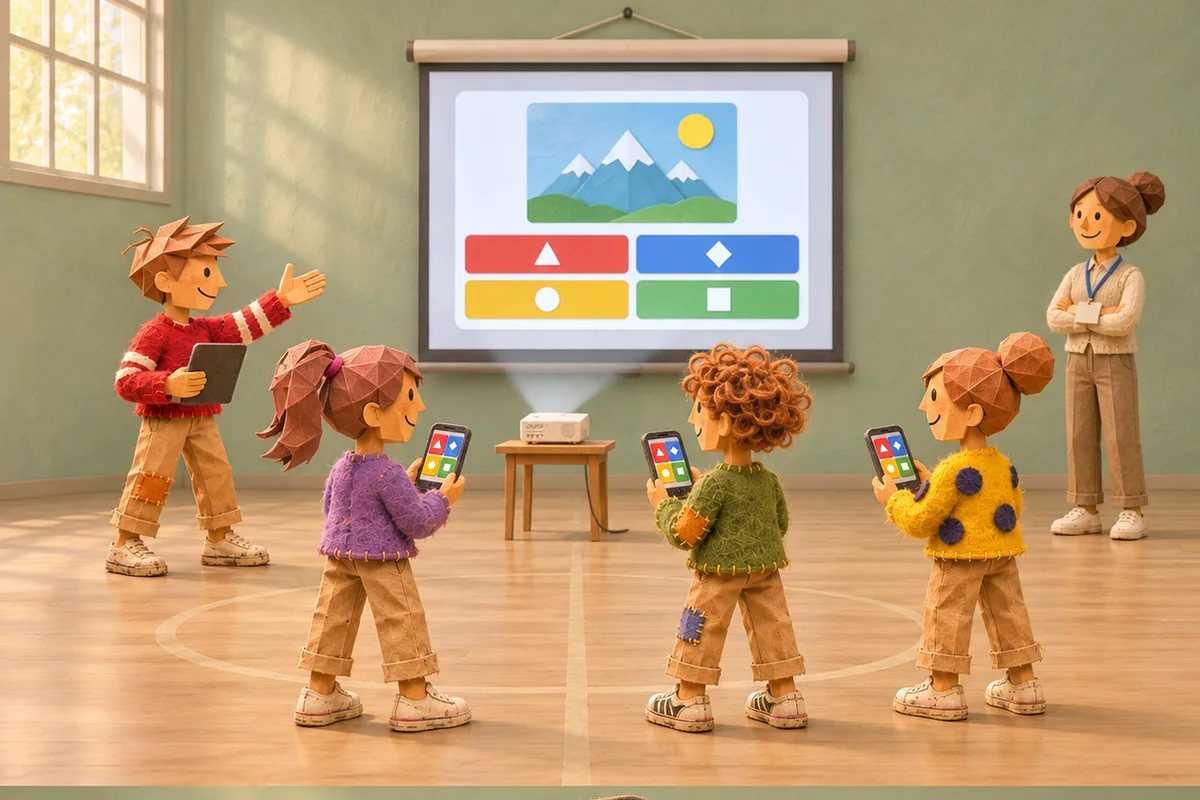
Use Kahoot to host a quiz you have prepared. Set up a host screen everyone can see and provide one connected phone or computer per player or team.
- Open the quiz in live host mode and display the game PIN. Players enter it on their device, choose an identifiable nickname and wait in the lobby. Check everyone is in before starting.
- Show each question, read it aloud if needed and give players the displayed time to submit their answer. Reveal the correct choice and briefly explain it before moving on.
- After the last question, show the results. For team play, give teammates a moment to discuss before their device holder submits the answer.