Online
Netflix Party
Pick a film or episode everyone can stream. If you are using Teleparty, have everyone set up the app or browser extension on a supported device before you start.
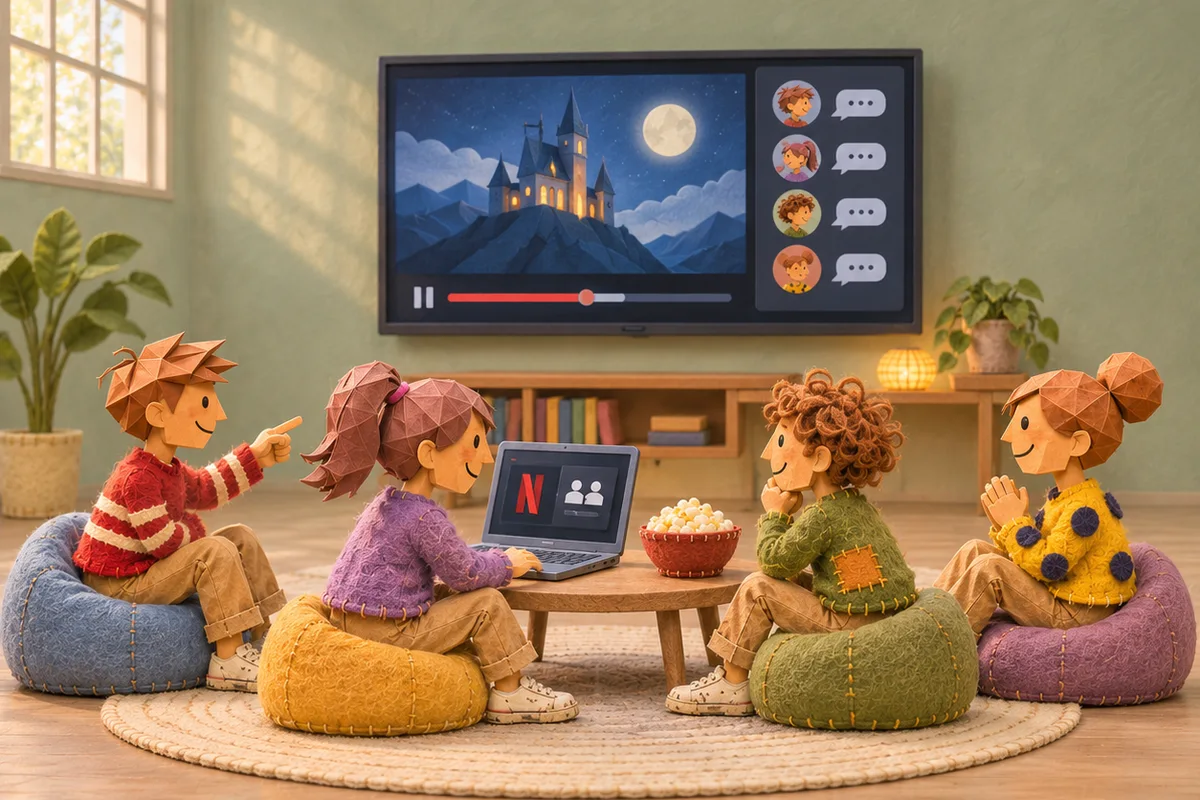
- The host opens the chosen title, uses Teleparty to start a party and shares the invitation link. Everyone opens the link on their own device and joins the same session.
- Wait for everyone to join, then start playback. Use the party chat or a separate group call for reactions. If anyone falls out of sync, pause and agree on the timestamp to resume from.
- Finish with the credits or an agreed stopping point. For an episode night, let the group decide whether to queue the next one.